
Morphe guides
Morphe Guides
Plain patching guides for Morphe, checked on real Android phones. Start with Simple mode, move to Expert mode when you want full control, and fix failed patches without reinstalling everything.
 Guide
GuideMorphe Simple Mode vs Expert Mode
Simple mode patches with curated defaults, Expert mode lists every patch. Pick the right mode for your first patch and for every patch after it.
Read guide Guide
GuideMorphe MicroG RE Setup
MicroG RE handles Google sign in for patched apps. Install it once, grant what it asks for, and sign in inside the patched app.
Read guide Guide
GuideHow to Patch YouTube With Morphe
Patch YouTube step by step: match the target app file, pick Simple or Expert mode, run the patch, and install the patched copy.
Read guide Guide
GuideHow to Patch YouTube Music With Morphe
Patch YouTube Music for ad free listening, background playback and audio only mode, with the same loop as the video app but a shorter patch list.
Read guide Guide
GuideHow to Patch Reddit With Morphe
Patch Reddit for a cleaner feed and better playback, following the same file matching and patch loop as the video and music apps.
Read guide Guide
GuideMorphe Patching Failed: Fixes That Work
A failed patch run usually means a mismatched file, a full storage, or a patch source that did not load. Work through the causes in order.
Read guide Guide
GuideMorphe App Not Installed Error: Fix It
App not installed after patching almost always means a signature clash with an older patched copy. Remove the old copy and install again.
Read guide Guide
GuideMorphe Patch Sources Explained
Patch sources are bundles that supply the patches. Add a source, let it load, and the patch list for each target app appears.
Read guide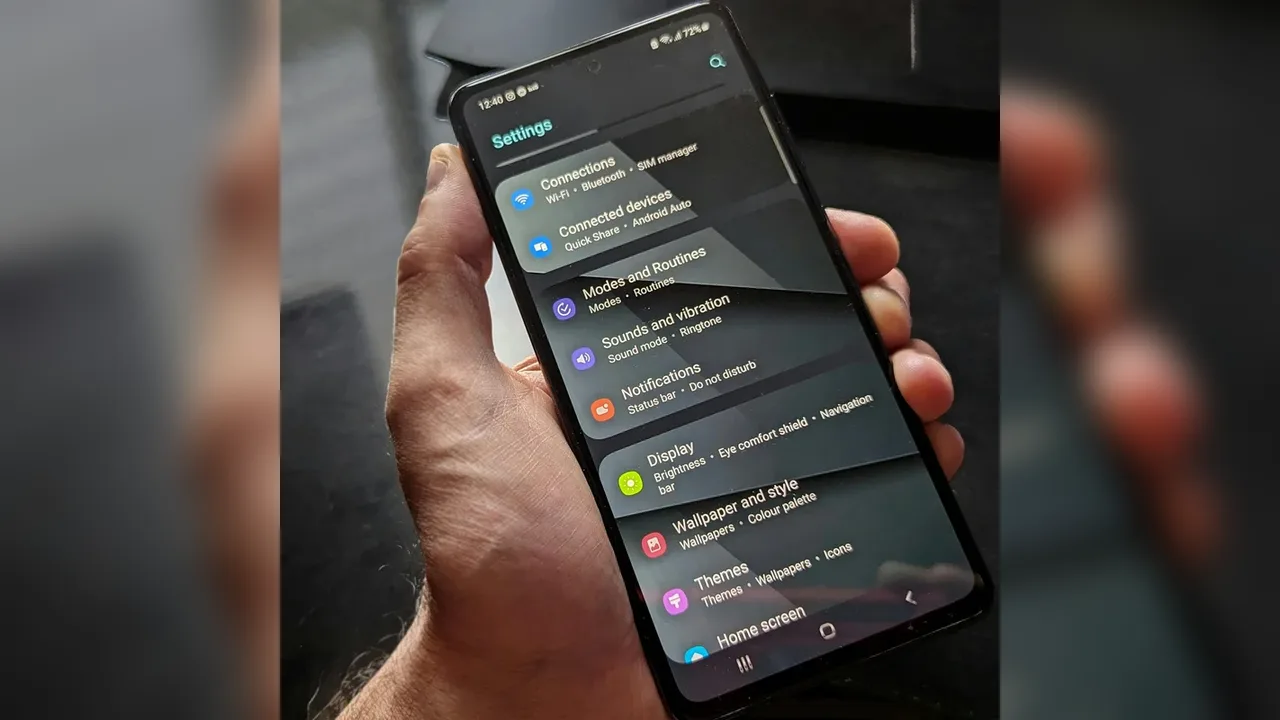 Guide
GuideMorphe Custom App Icon and Name
Rename a patched app, pick its icon, and set its theme colours, so the patched copy looks like yours and stays distinct from the original.
Read guide Guide
GuideMorphe Ad Block and Background Playback
Ad blocking and background playback are the two patches most patchers enable first. Set them, test one item, and enjoy every session after it.
Read guide Guide
GuideMorphe SponsorBlock and Return Dislike
SponsorBlock skips sponsored segments automatically, and Return YouTube Dislike restores dislike counts. Both live in the video patch list.
Read guide Guide
GuideHow to Update Patched Apps Safely
Patched apps do not update through the store. Update by patching the newer target app file again, with the same keystore, and test before deleting the old copy.
Read guide Guide
GuideMorphe Root vs Non Root Install
Root is optional. Non root installs use the standard installer, rooted phones get a mount based installer that survives updates without data loss.
Read guide Guide
GuideMorphe Backup Settings and Keystore
Back up settings, patch selections and the keystore before you need them. A backup turns a lost phone or a bad update into a ten minute rebuild.
Read guide Guide
GuideMorphe Split APK Patching
Split APKs arrive as several parts. Morphe merges them, skips parts your phone does not need, and patches the merged result.
Read guide Guide
GuideMorphe Battery and Storage Tips
Patching needs RAM, storage and battery headroom. Free space, close heavy apps, and keep patched copies lean to keep patch runs fast and playback smooth.
Read guide Guide
GuideMorphe Best Patch Picks
The patch picks that matter most: ad blocking, background playback, SponsorBlock, dislike counts, and the interface cleanup that makes daily use pleasant.
Read guide Guide
GuideMorphe Common Questions Answered
The questions every new patcher asks: root, safety, updates, sign in, and what happens to the original app, answered in one place.
Read guide Guide
GuideMorphe on Android TV and Tablet
Tablets run the patcher well with room for long patch lists. Android TV suits patched playback, but the patcher itself is built for touch.
Read guide Guide
GuideMorphe Desktop Patcher on PC
The desktop patcher rebuilds apps on a computer with a mouse, keyboard and drag and drop, then the finished file installs on the phone.
Read guide