

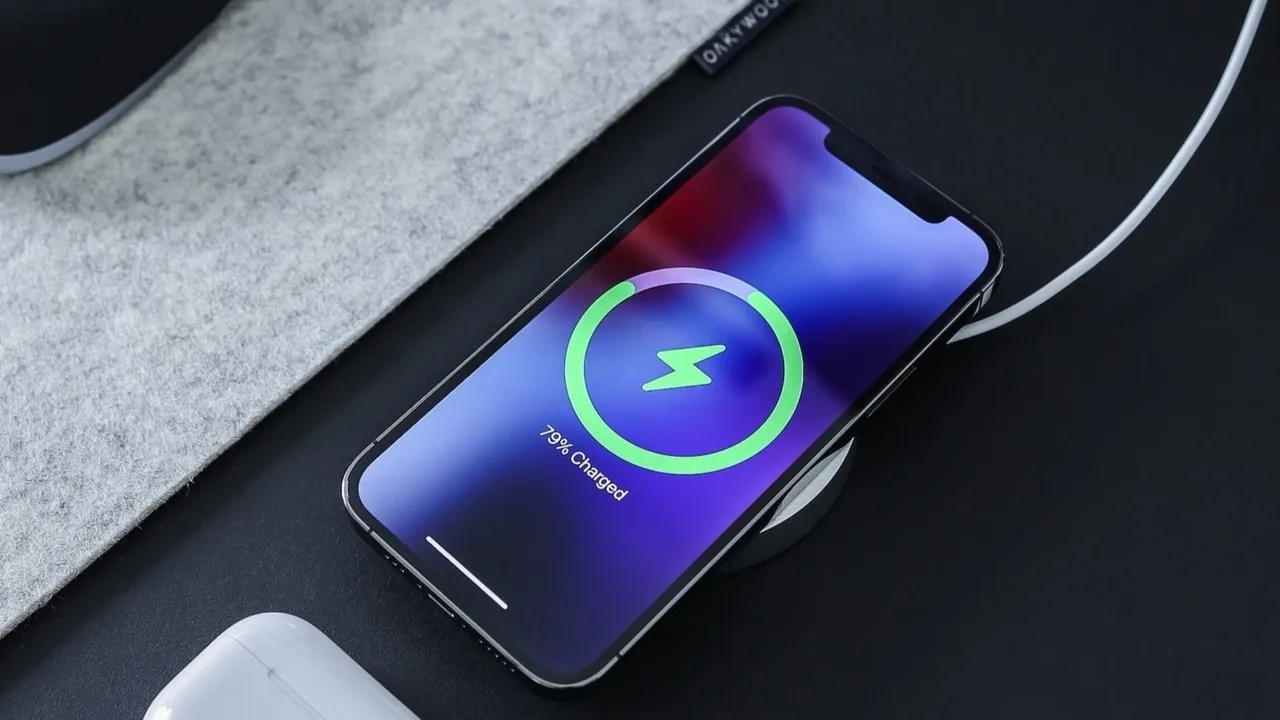
Before a Patch Run
Patching holds the original file, a working copy and the finished file at once, so it needs free storage and free RAM. Close heavy apps before patching, free a comfortable amount of storage, and plug the phone in if the battery is low, because a patch run interrupted by a dead battery leaves a half finished file behind. This page is part of the Morphe patcher app patching collection.
Expert mode shows live RAM use during patching, which helps on low memory phones. If RAM use climbs near the limit, close background apps and patch again rather than pushing through, because a patch run killed for memory fails late and wastes the whole run.
Keeping Patched Apps Lean
Patched copies and saved original files add up across several target apps. Delete saved original files for targets you no longer patch, and remove old patched copies when a newer one proves itself. Split patching already trims architectures and densities the phone does not use, so the finished files stay leaner than the full split sets they came from.
Audio only mode for music and sensible quality defaults for video also save battery and data every day after patching. A patched app that streams video when only audio is needed wastes both, and the patch settings are the place to fix that, not the phone settings.
For the next step, see Morphe Best Patch Picks in the guides, which continues this setup from where this page leaves off.
Playback Battery Tips
If a patched app drains battery, check background playback behaviour and battery optimisation. A patched app exempted from optimisation for sign in reasons can run longer in the background than expected, so exempt only the apps that need it, and let the rest sleep normally.
Pure black themes on OLED screens save power during video playback, and lower default quality saves data and decoding work on small screens. Both are patch settings, and both pay off on every session after they are set.
Related reading: Morphe Desktop Patcher on PC, which covers the neighbouring part of this workflow.
Conclusion
Patch with storage free, RAM free and battery charged, keep old patched copies and saved files trimmed, and let audio only mode and dark themes do the daily saving. Patching is heavy work, and headroom is what makes it fast.